Warpgate MFA via TOTP
Warpgate is an open-source secure access solution with bastion host capabilities for SSH servers, databases, Kubernetes, and web services, centralizing authentication, authorization, and auditing. It is not a jump host, but rather acts as an intermediate gateway between users and the internal infrastructure. Warpgate authenticates users via SSO/MFA, applies granular access policies, records sessions, and forwards connections to authorized resources without directly exposing the internal network or requiring VPN connections. In short, it is an excellent solution for granting access to resources that are not directly exposed to the Internet.
For all installation and initial configuration details, please refer to the official documentation of warpgate. Here, instead, we will see how to enable MFA authentication via OTP for SSH connections.
Brief description of my architecture
The Warpgate bastion host is installed on an Ubuntu server exposed to the Internet behind a firewall with properly configured ACLs, and it allows SSH access to servers located within a private network. As the primary authentication method, I configured access via private key, so Warpgate authenticates the user using the public key stored on the server without requiring passwords, which helps prevent brute-force attacks.
Adding multi-factor authentication
From the administration console, go to Config, choose Users, and select the user.
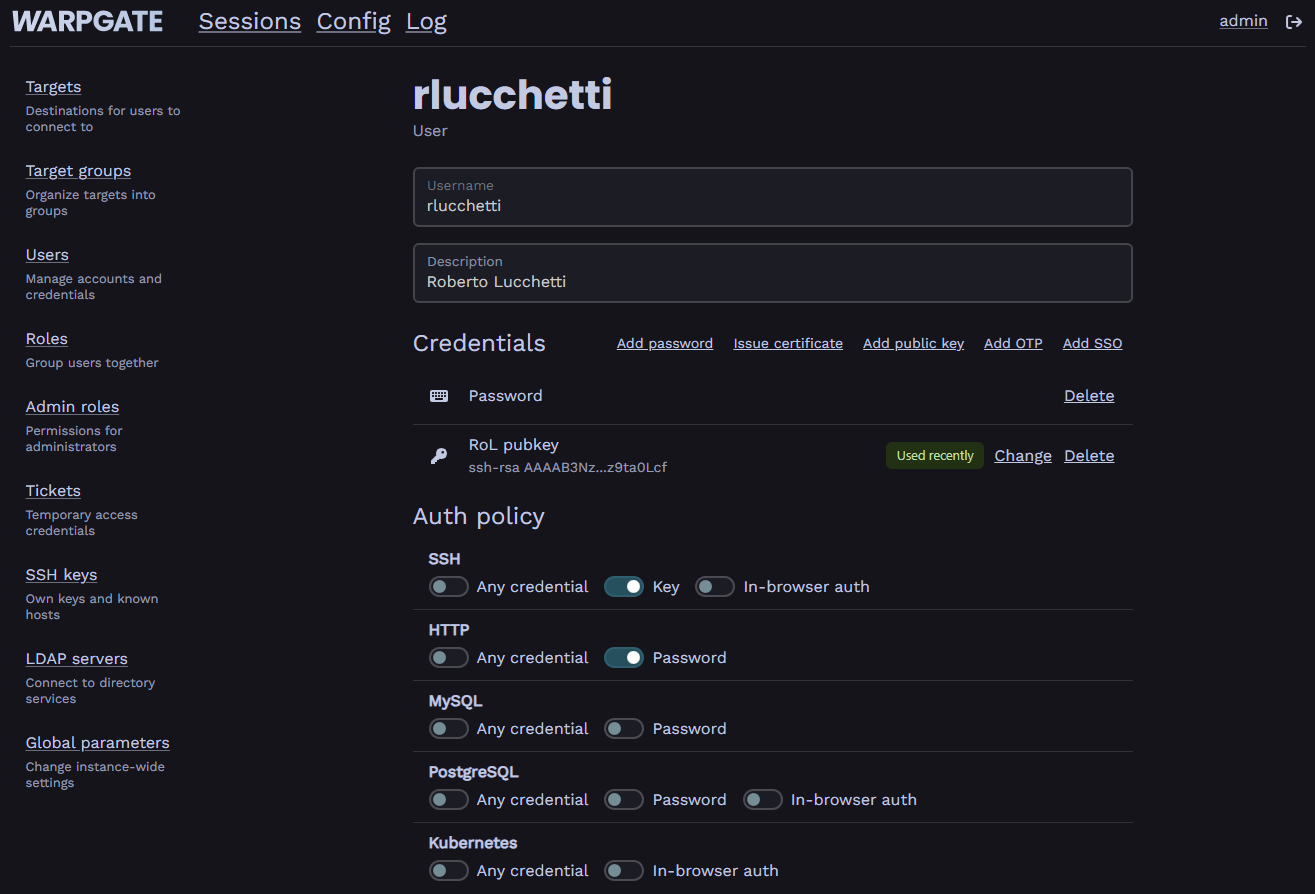
Then, by selecting Add OTP, a QR Code will appear to be scanned with the device where the Authenticator application is installed on (e.g., Microsoft Authenticator, Google Authenticator…)
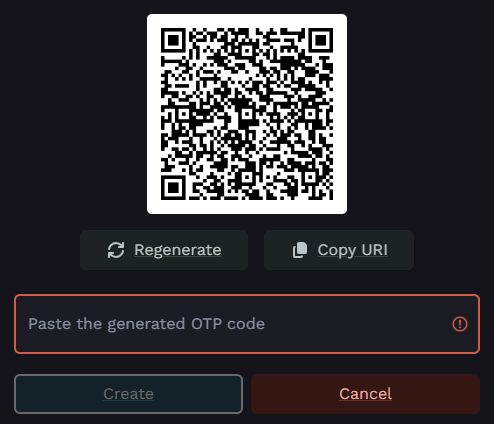
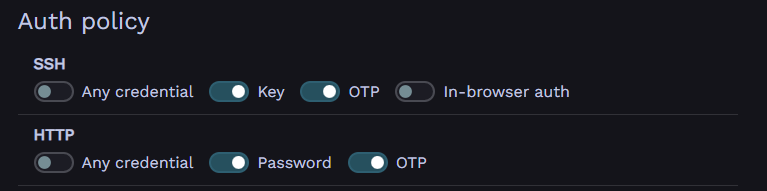
Scan the QR Code to add the MFA authentication device and confirm by entering the OTP code generated by the chosen Authenticator app. Once completed, make sure the user has both Key-based and OTP authentication enabled, as shown in the following image.
Testing multi-factor login
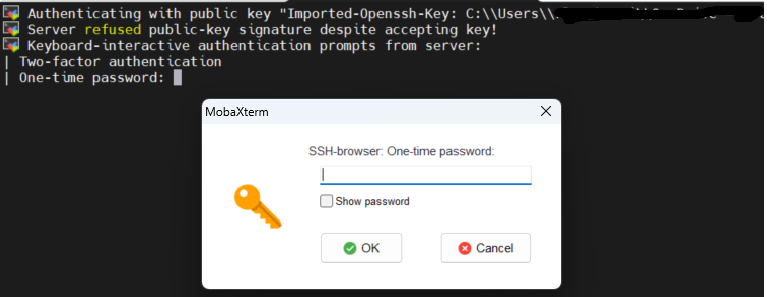
If everything was configured correctly, at the next SSH login attempt the system will ask for the OTP code before granting access to the target server.

The same authentication mechanism is also applied when using a client such as MobaXterm, with the additional detail that if the SSH browser for SFTP file transfer is also configured, the OTP code will be requested twice: once for the SSH-browser session and once for the CLI session.